Project Overview - A smartphone application to assist wildlife conservationists in tracking and protecting wild animals and plant species.
My Roles - Designer | Researcher
Tools - Figma | Adobe Illustrator
End Product - Figma Prototype
The Challenge: The Mental Burden of Diabetes Management
For individuals with diabetes, managing their health is a relentless, data-heavy job. They are often forced to juggle multiple apps, notepads, and spreadsheets to track critical information like glucose levels, medication doses, carbohydrate counts, and exercise. This fragmented process is not only inefficient and prone to error, but it also creates a significant cognitive load, stealing mental energy that could be better spent on living a healthy, fulfilling life. The core problem wasn’t a lack of data, but a lack of a centralized, user-friendly tool to make sense of it all.
The Solution: An All-in-One Management Hub
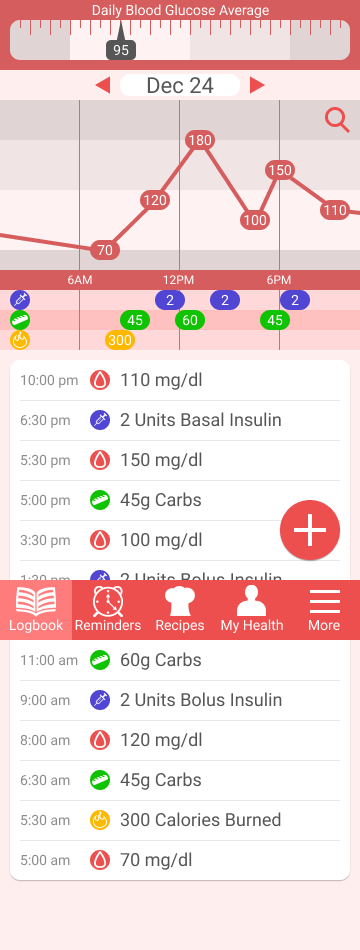
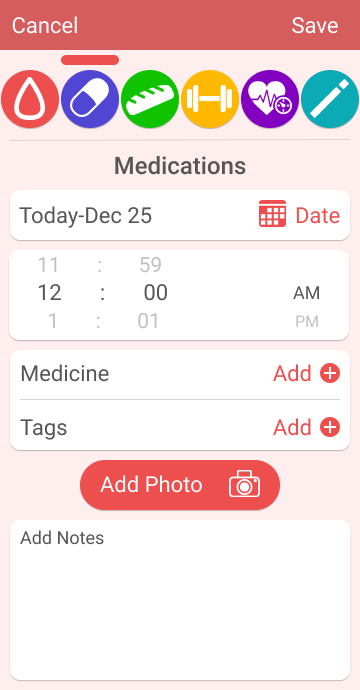
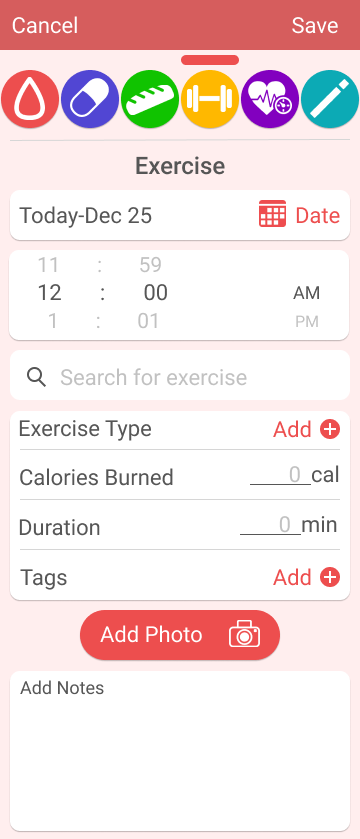
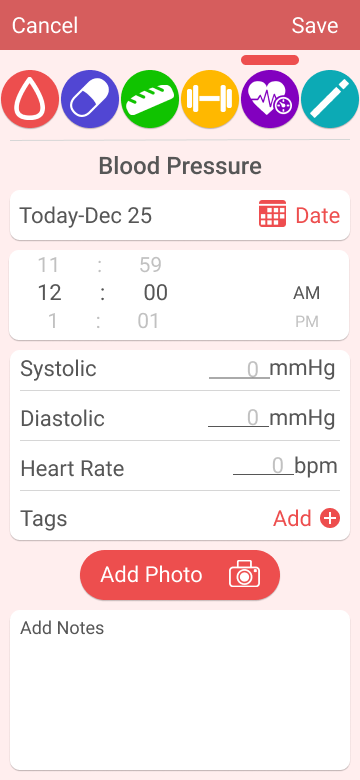
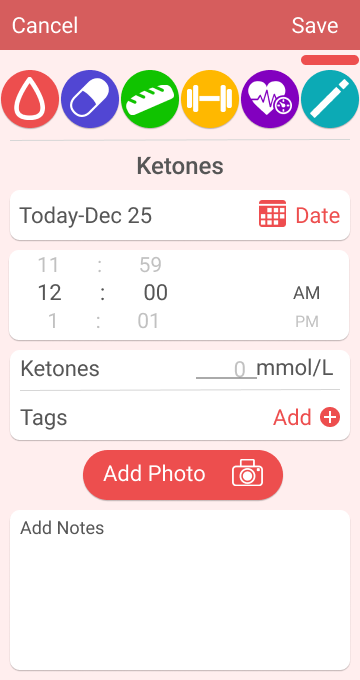
I designed GlucoseTrak, a mobile application that consolidates all essential diabetes management tasks into a single, intuitive interface. The app simplifies data entry and provides clear, actionable analytics, empowering users to see the connections between their actions and their blood glucose levels. The ultimate goal was to reduce the time and stress of daily management, giving users back their mental bandwidth and control over their health.
Design Steps (Research & Process)
Research on Diabetes
Defining the Domain
To build an effective solution, I first had to understand the complex world of diabetes. My foundational research focused on key areas including demographics, common medications, nutrition, and the various lifestyle factors that impact blood glucose. This initial phase was crucial for ensuring my design decisions were medically relevant and genuinely user-centric.
My key takeaways that directly shaped the design of GlucoseTrak were:
Insight 1: The User Base is Diverse. The data showed that the majority of users would likely be over 45 and managing Type 2 diabetes, often without insulin injections.
Design Decision: This led me to prioritize a simple, high-contrast interface with clear typography. It also meant the medication tracking feature needed to be flexible, easily accommodating both pills and injections.
Insight 2: Data Needs Context. I learned that a user’s blood glucose is a dynamic number influenced by a wide array of inputs: medicine, food, activity, weight, and even sleep.
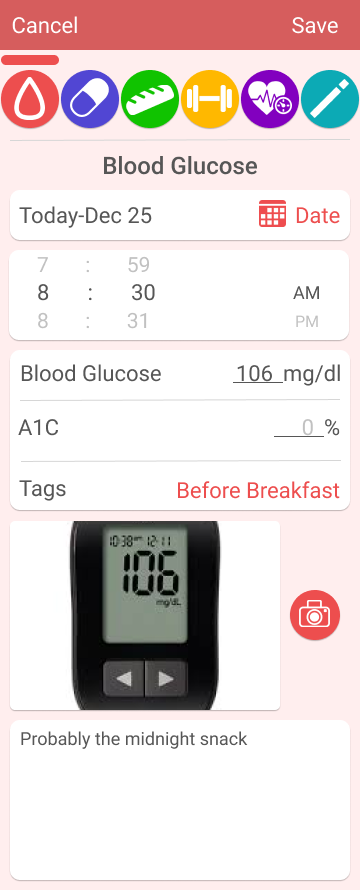
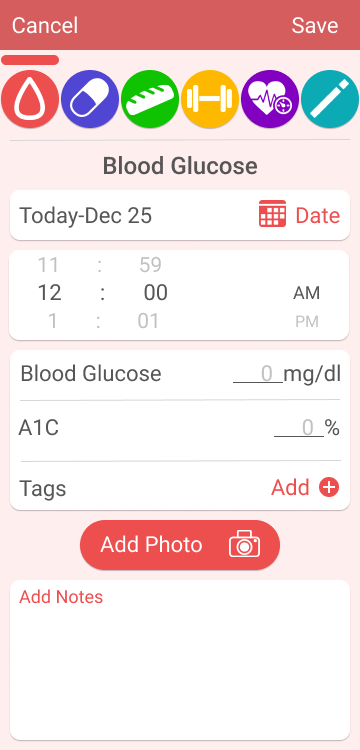
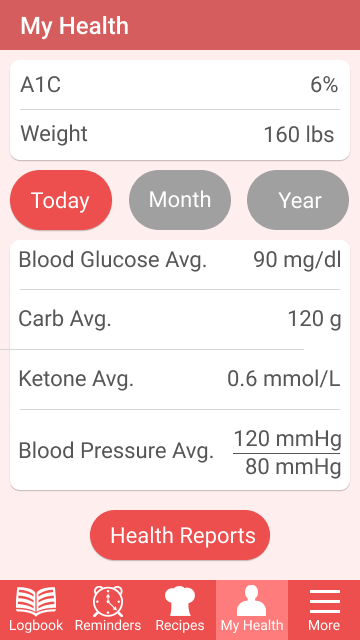
Design Decision: This became the architectural foundation for the app. I designed a dashboard that not only displays the glucose number but also provides dedicated, easy-to-access modules for logging each of these influencing factors, helping users connect cause and effect.
Insight 3: Clear Targets are Motivating. The optimal blood glucose range (70-180 mg/dl) provided a clear, quantifiable goal for users.
Design Decision: I used this insight to design the app’s feedback system. The UI uses color-coding to instantly show users when their readings are within, above, or below their target range, providing immediate, actionable feedback.
Interview with a Diabetic
Interviewed a type 1 diabetic on their issues with diabetes management, and what their experience is with smartphone applications for diabetes. This person explained that they collect an immense amount of data such as blood glucose numbers multiple times a day, meals, exercise, and multiple medicines. Inputting and keeping track of all this data is a huge challenge for them and is kept track of with multiple applications such as diabetes apps, notetaking apps, calendar apps, and alarm apps.
Competitive Market Analysis
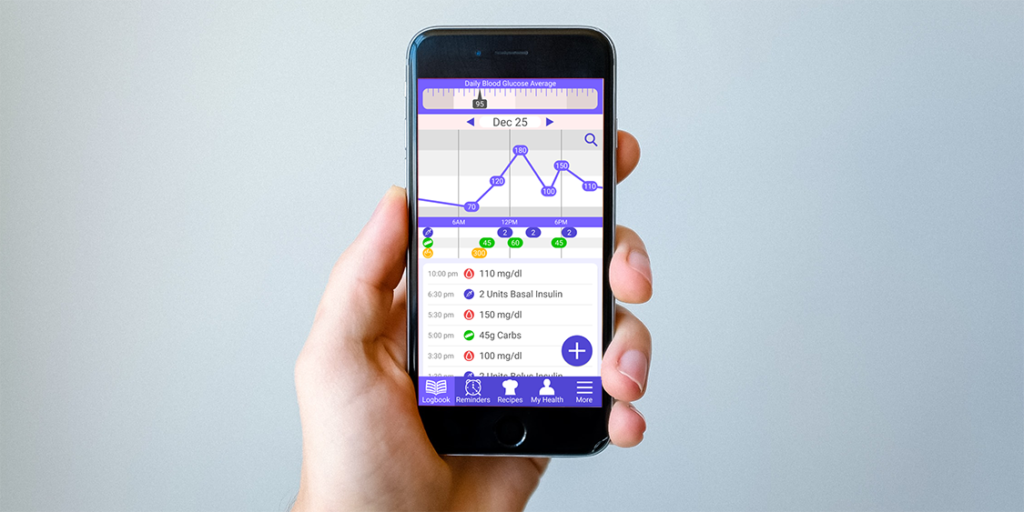
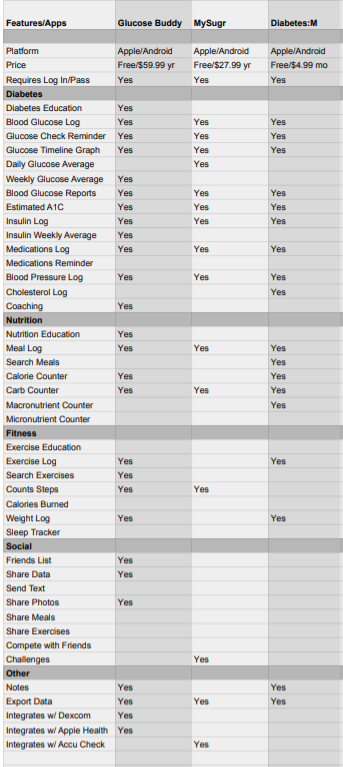
Looked at popular diabetes applications and researched what they do and how they function. Three popular diabetes apps that I analyzed were Glucose Buddy, MySugr, and Diabetes:M. Their main focuses are to give diabetics the tools to enter a plethora of health data, and to find insights into how their health can be improved.
Online Survey of Diabetics
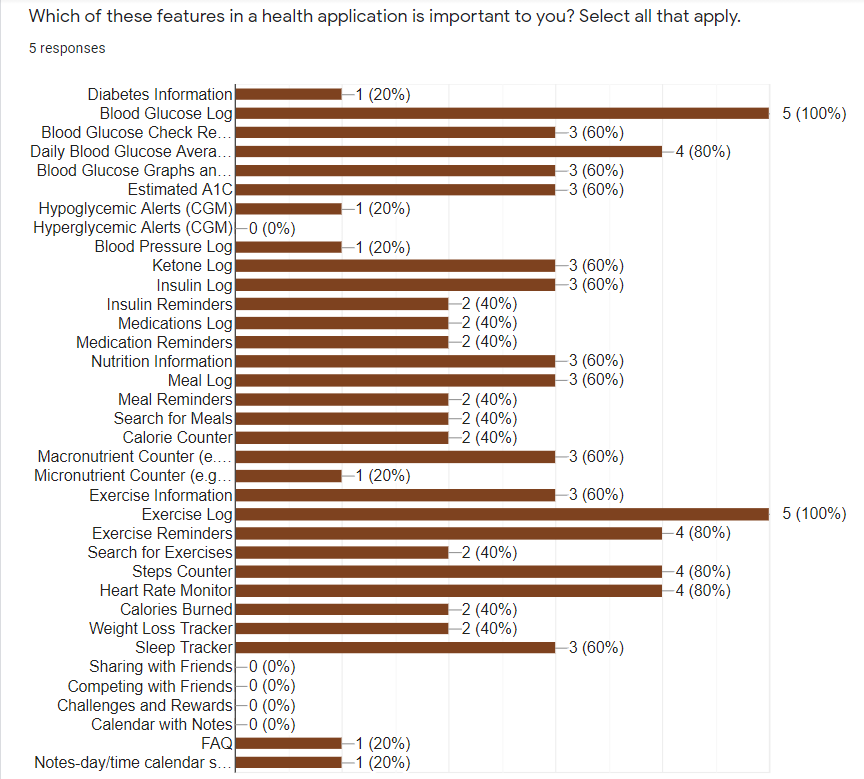
Created a survey on diabetes management and used diabetes online forums to find participants for the study. Their input was invaluable, and forced me to reevaluate what I should be focusing on with the problem I was trying to solve. One particular insight I gained was that although every diabetic must manage their blood glucose, they all have different methods for tracking that data, and they also have very individualized needs. A one size fits all approach is nearly impossible to achieve. The second insight is that the desire to spend as little time as possible on diabetes management was evident with all of the participants.
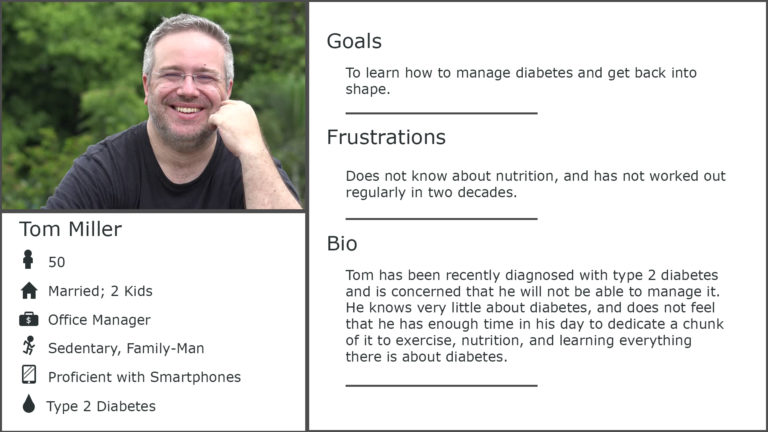
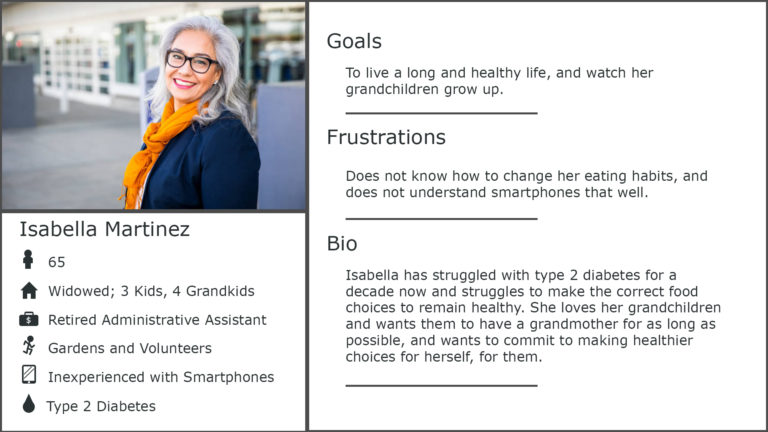
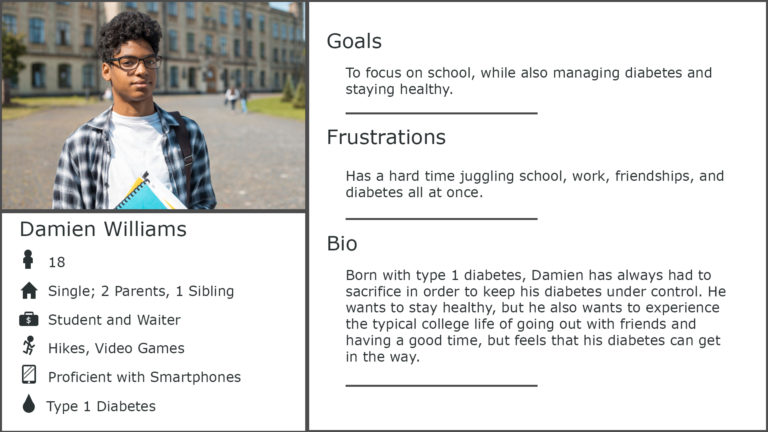
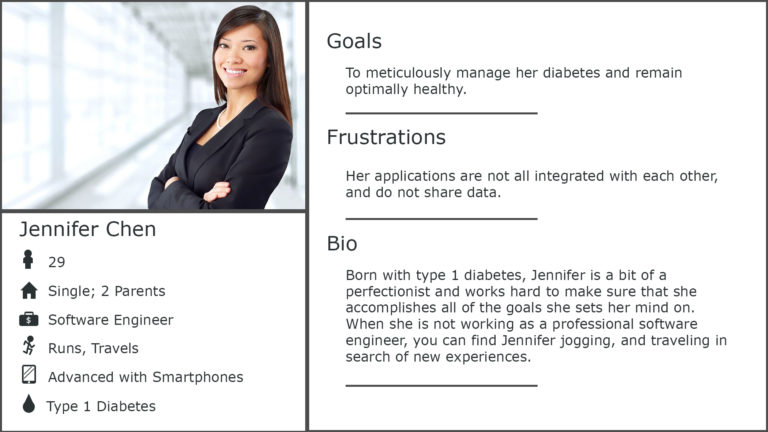
User Personas
Created 4 user personas of diabetics to then create user journey maps. Each user persona detailed a different type of user for the application.
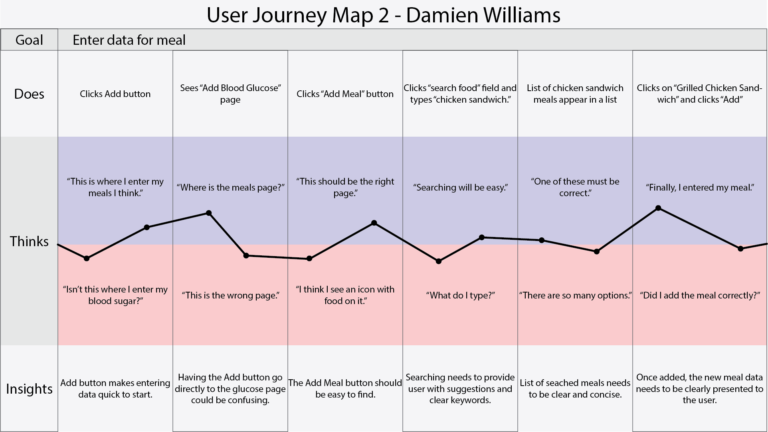
User Journey Maps
Created user journey maps to detail the process of using the application.
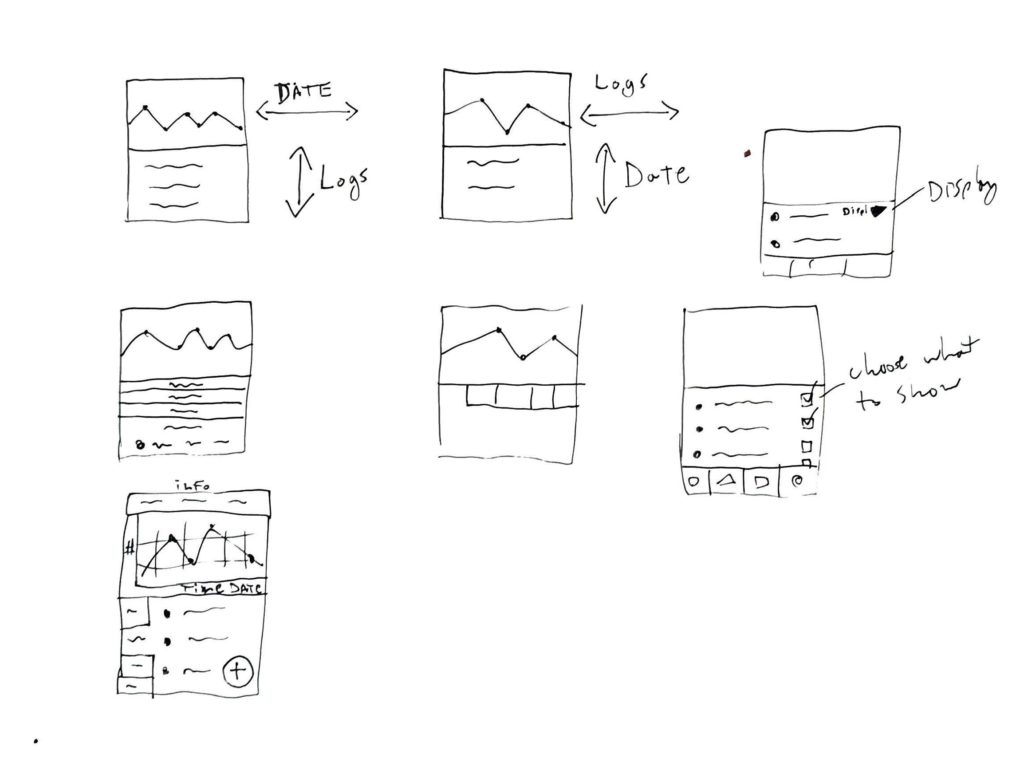
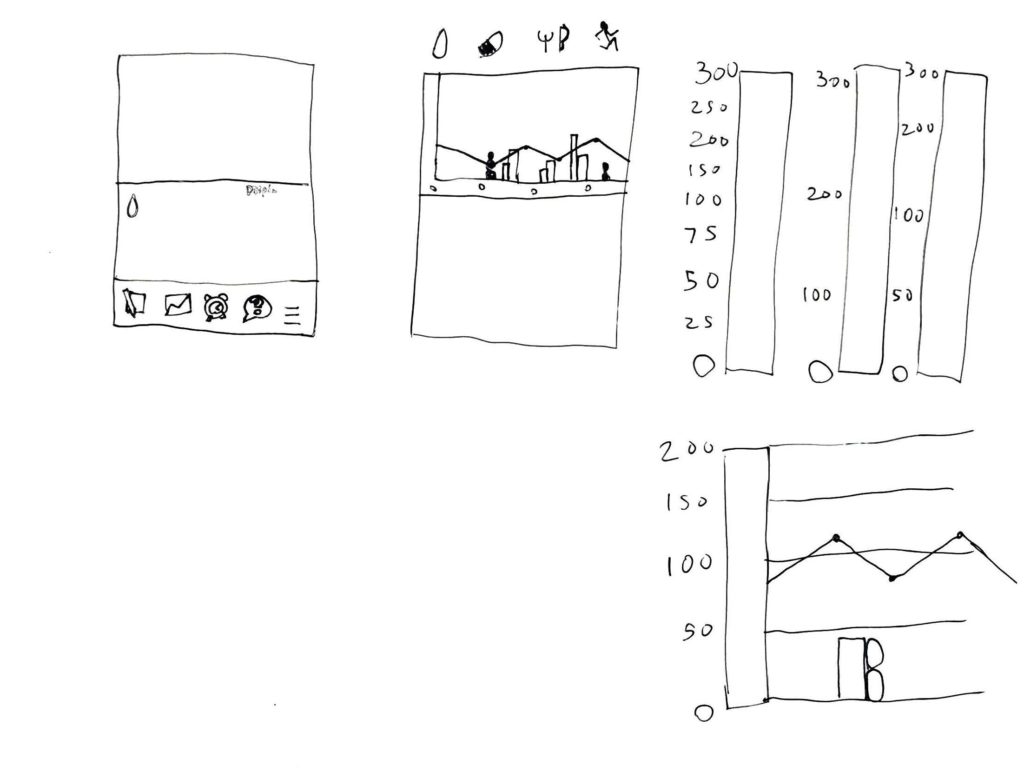
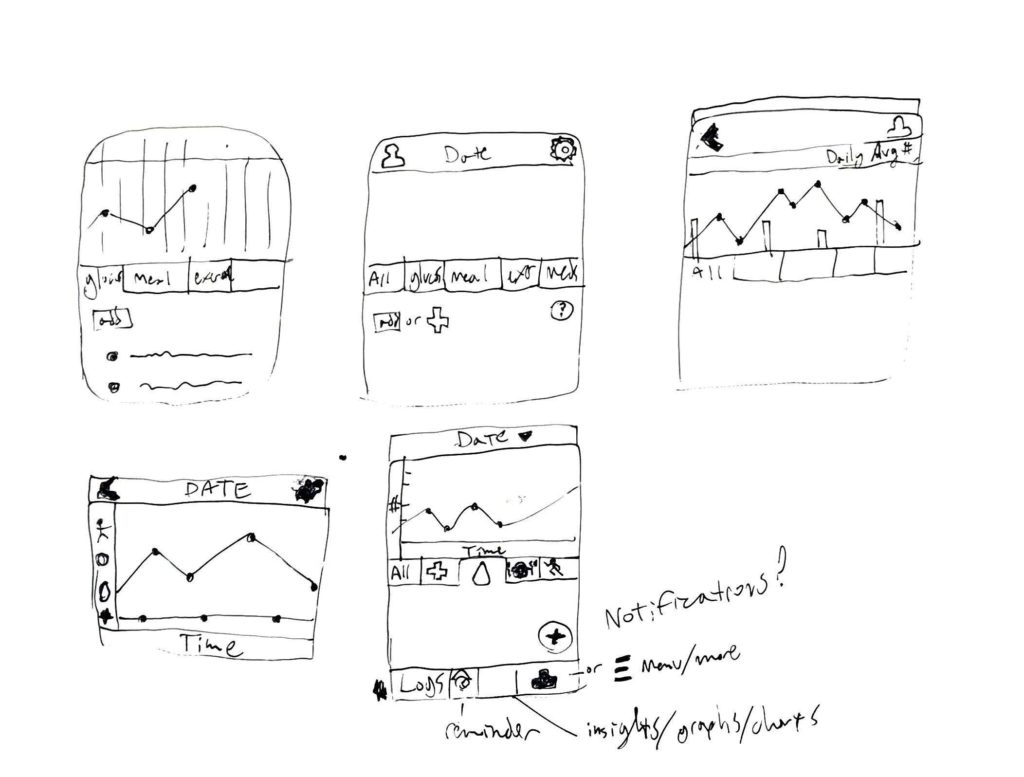
Concept Sketches
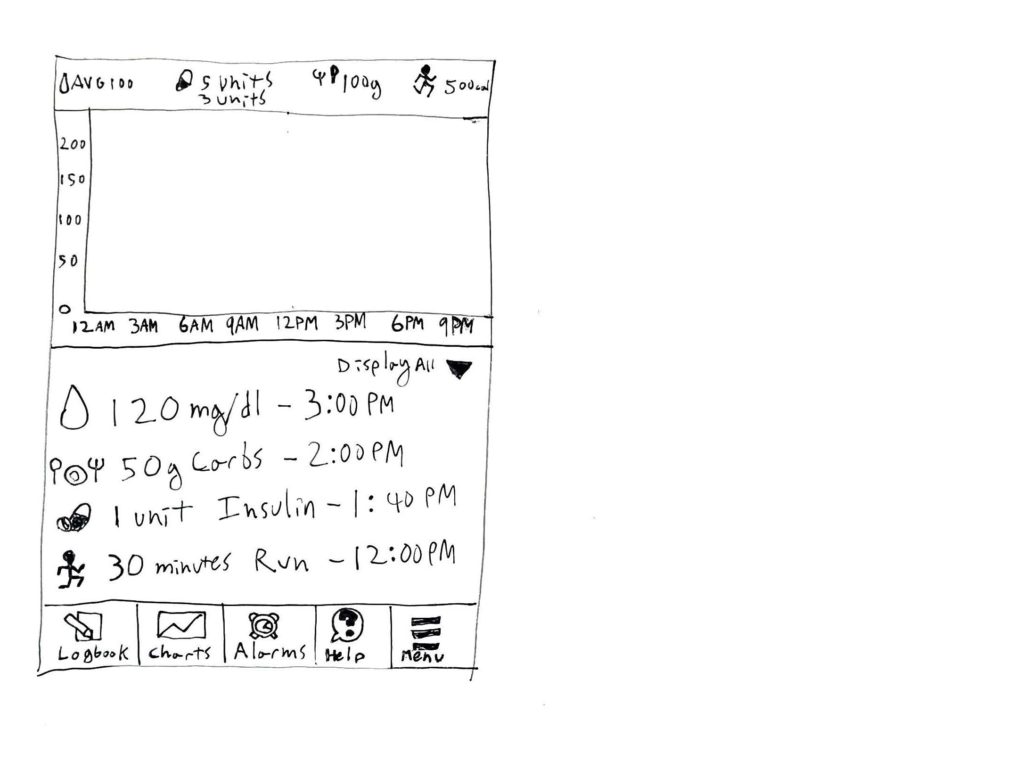
Created concept sketches for the pages of the application. Starting with a basic setup for how to display health data over a period of hours and days, I then started to fill out the details and configuration of menus.
Information Architecture
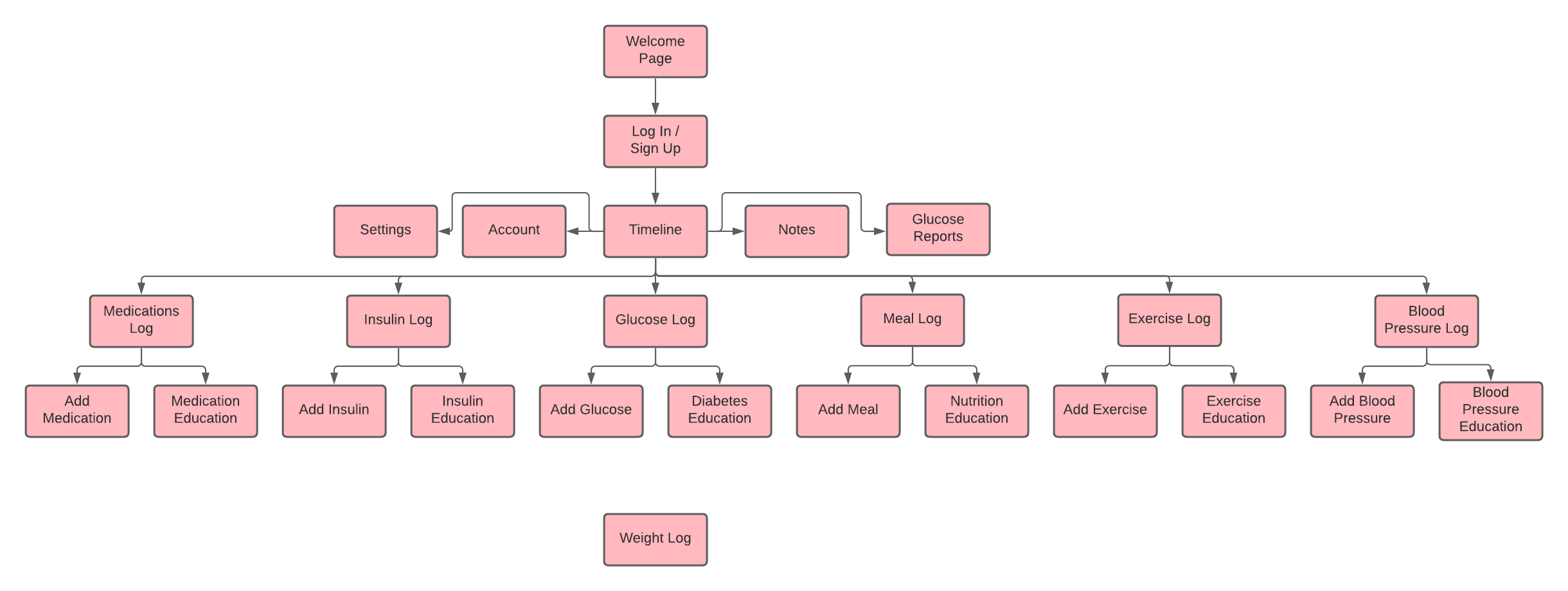
Created the information architecture to detail the page layout of the application, as well as the process of going from one page to the next.
Wireframes
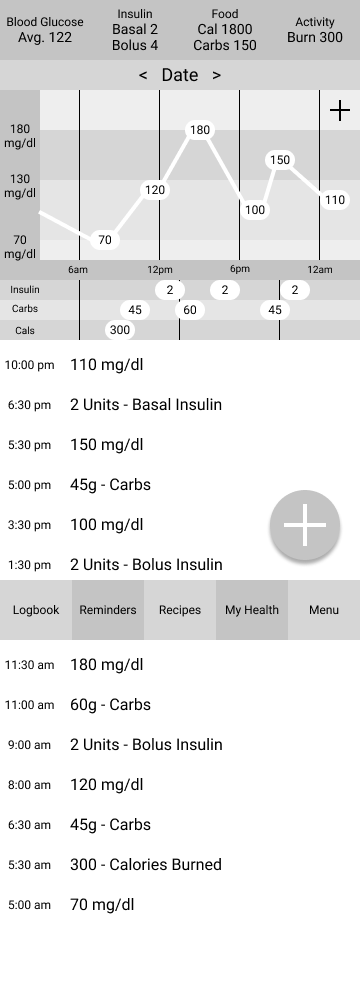
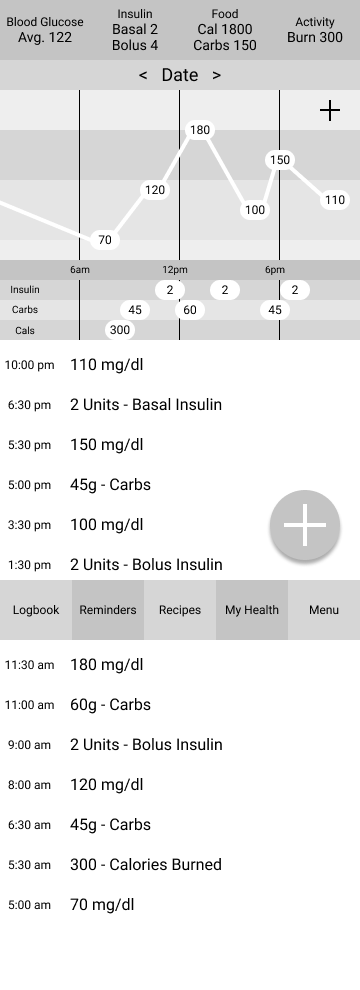
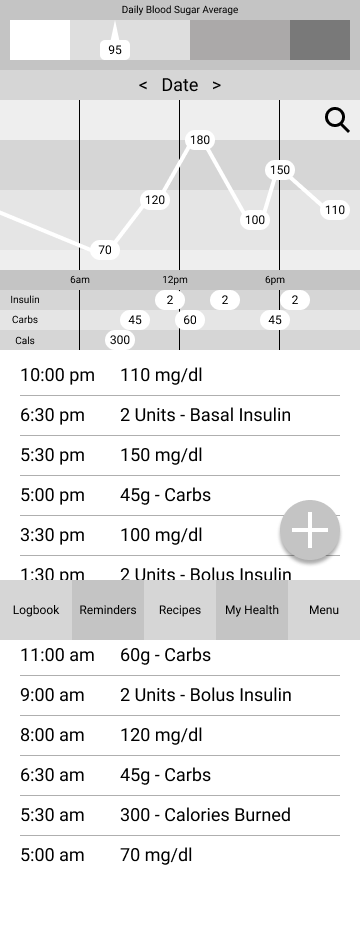
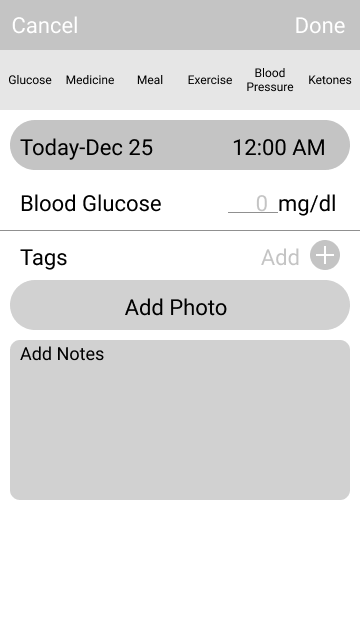
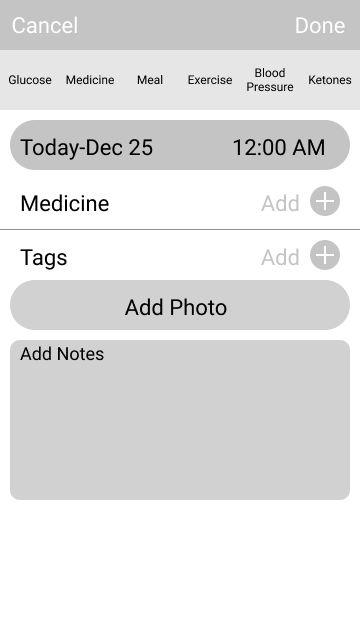
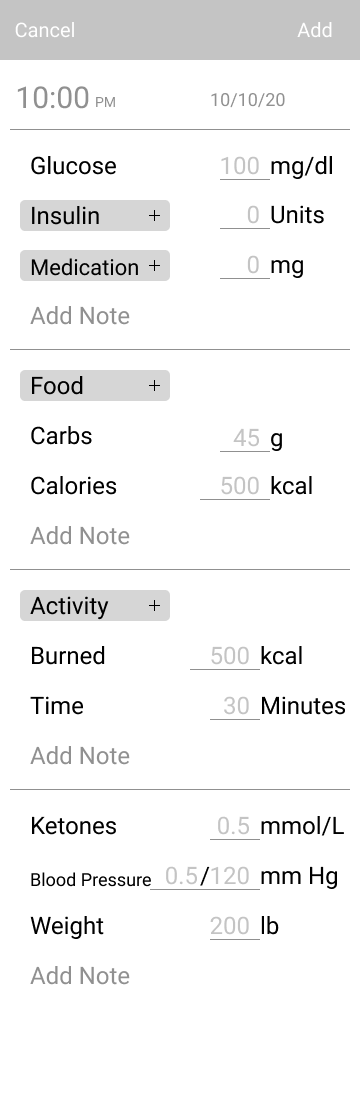
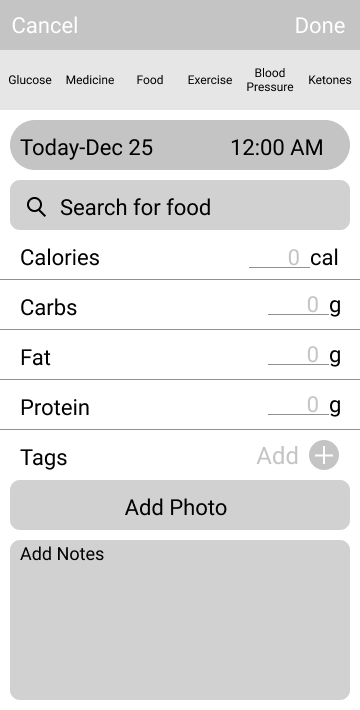
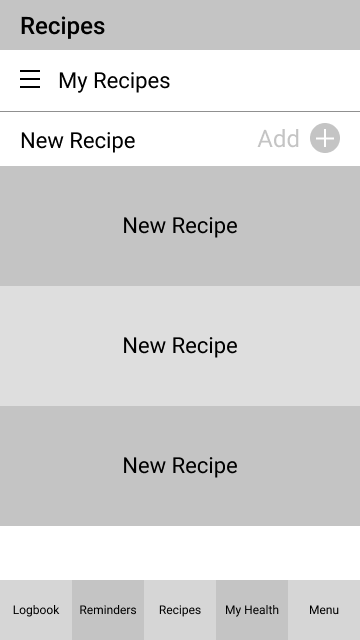
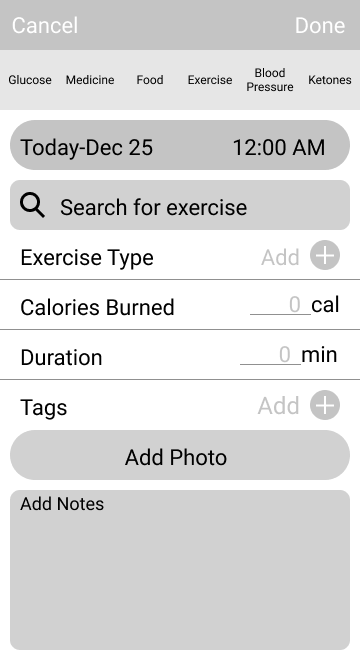
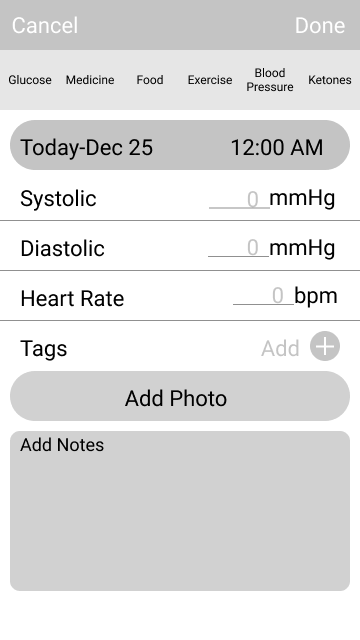
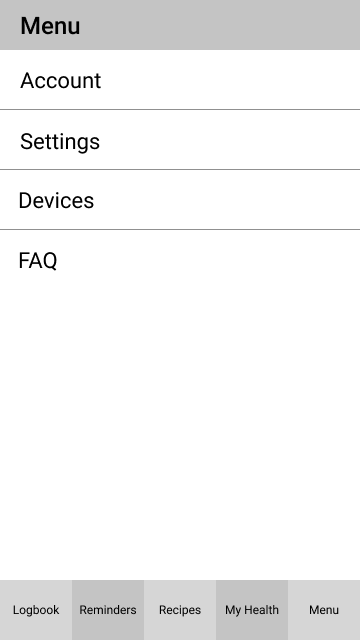
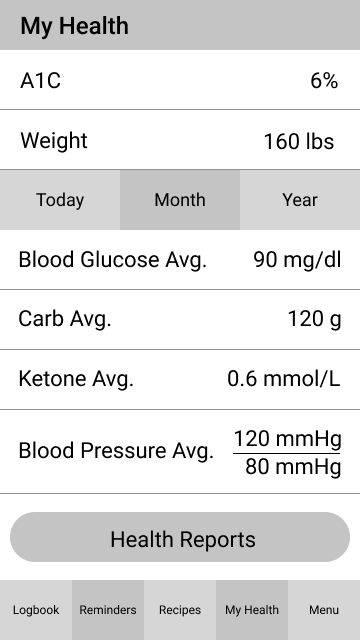
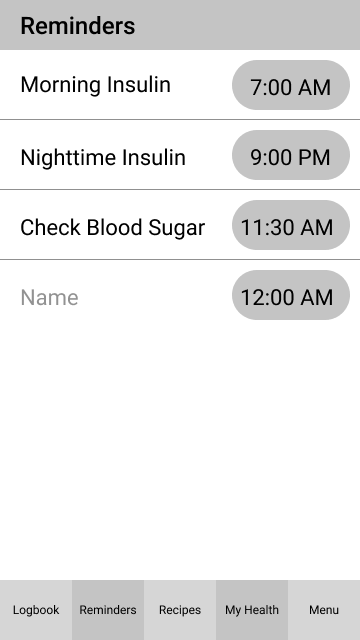
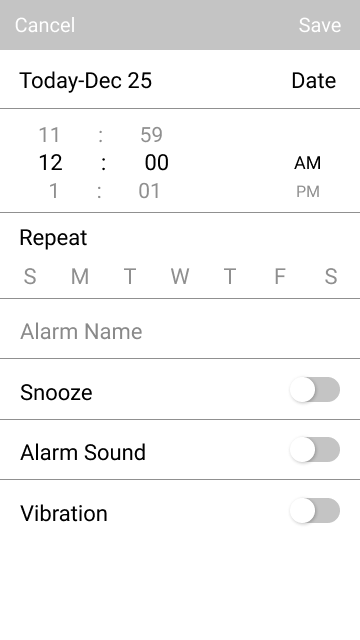
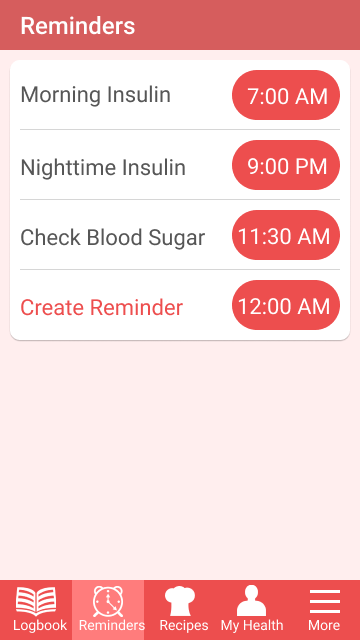
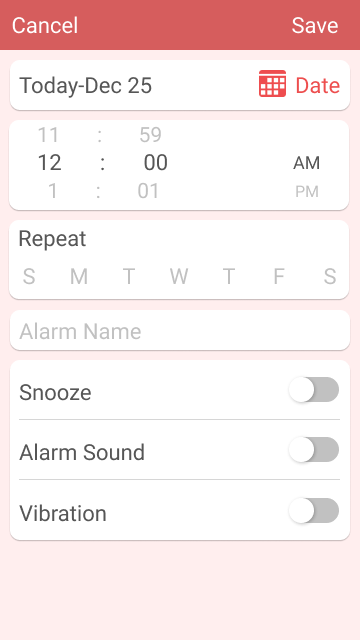
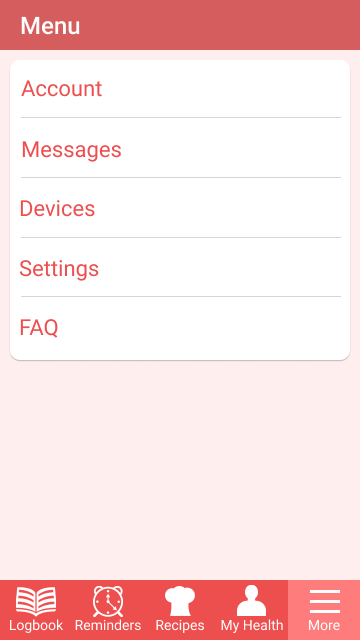
Created digital wireframes of the application for each page, such as the Home page, Add pages, and Settings and Reminders pages.
Prototype
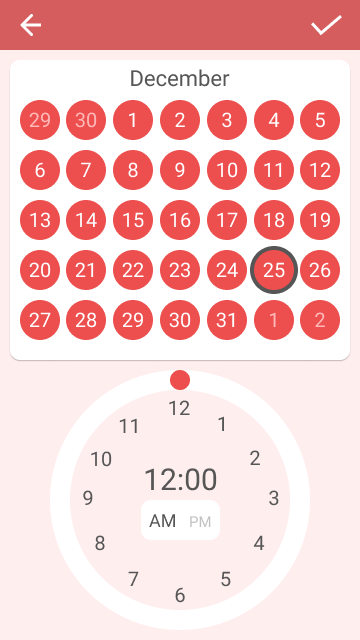
Added color to the wireframes and added more detail. I created a user flow for a user to test.
User Testing
Tested the prototype on a user and received feedback.